MyCncMill - The free GRBL CAM Software

Milling Machine Image

Effortless Control for Your GRBL-Compatible Milling Machine

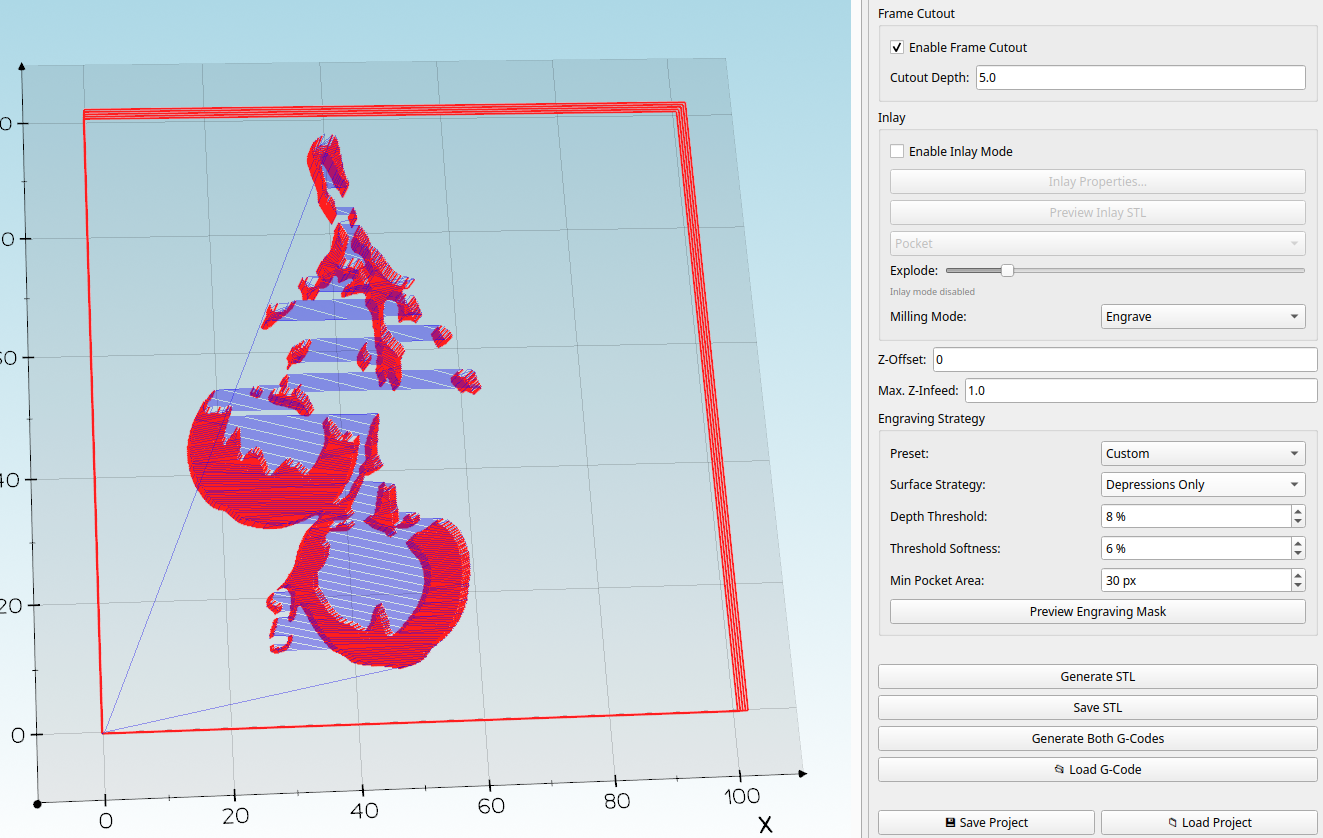
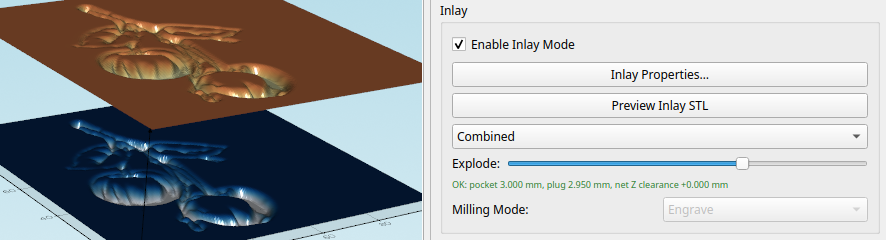
  • Transform Your Designs: Seamlessly create G-code from your STL models and objects.
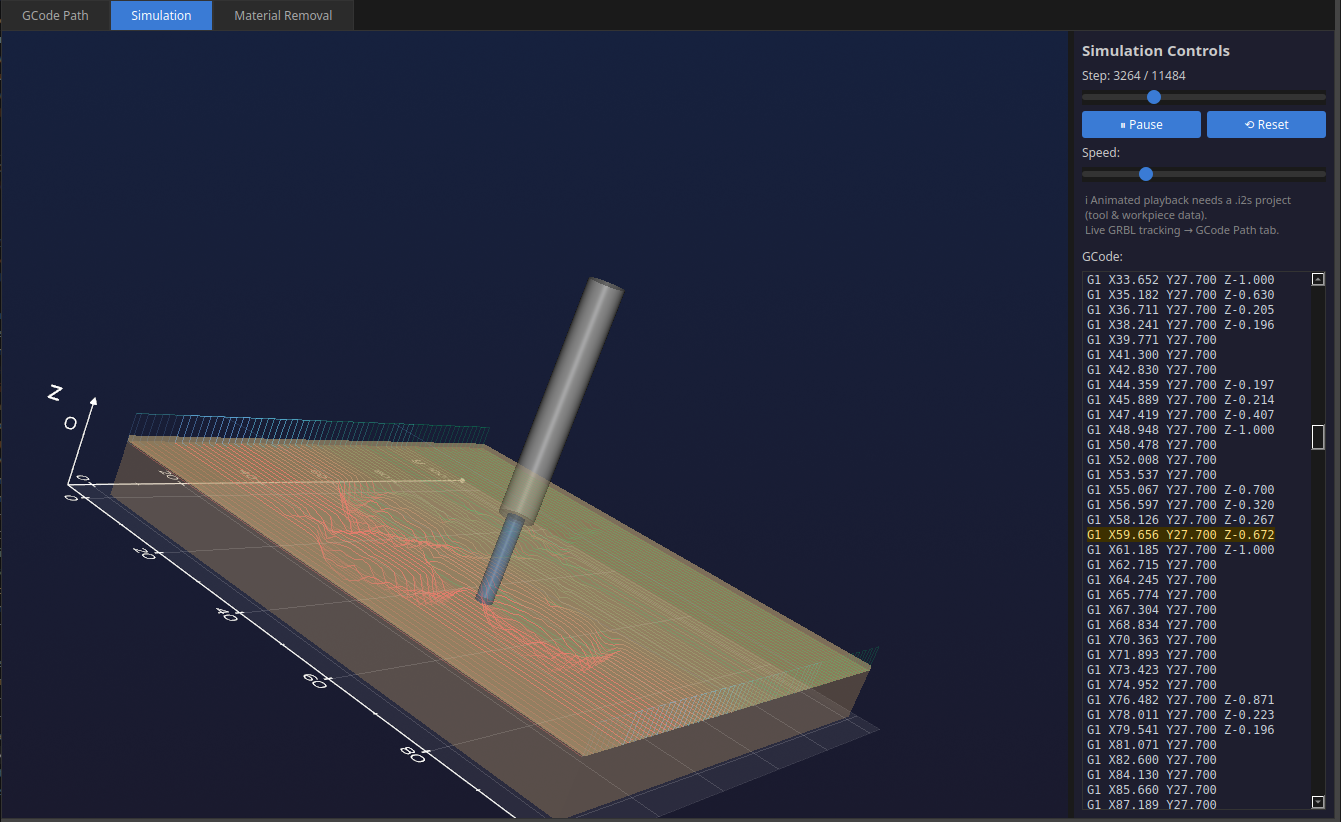
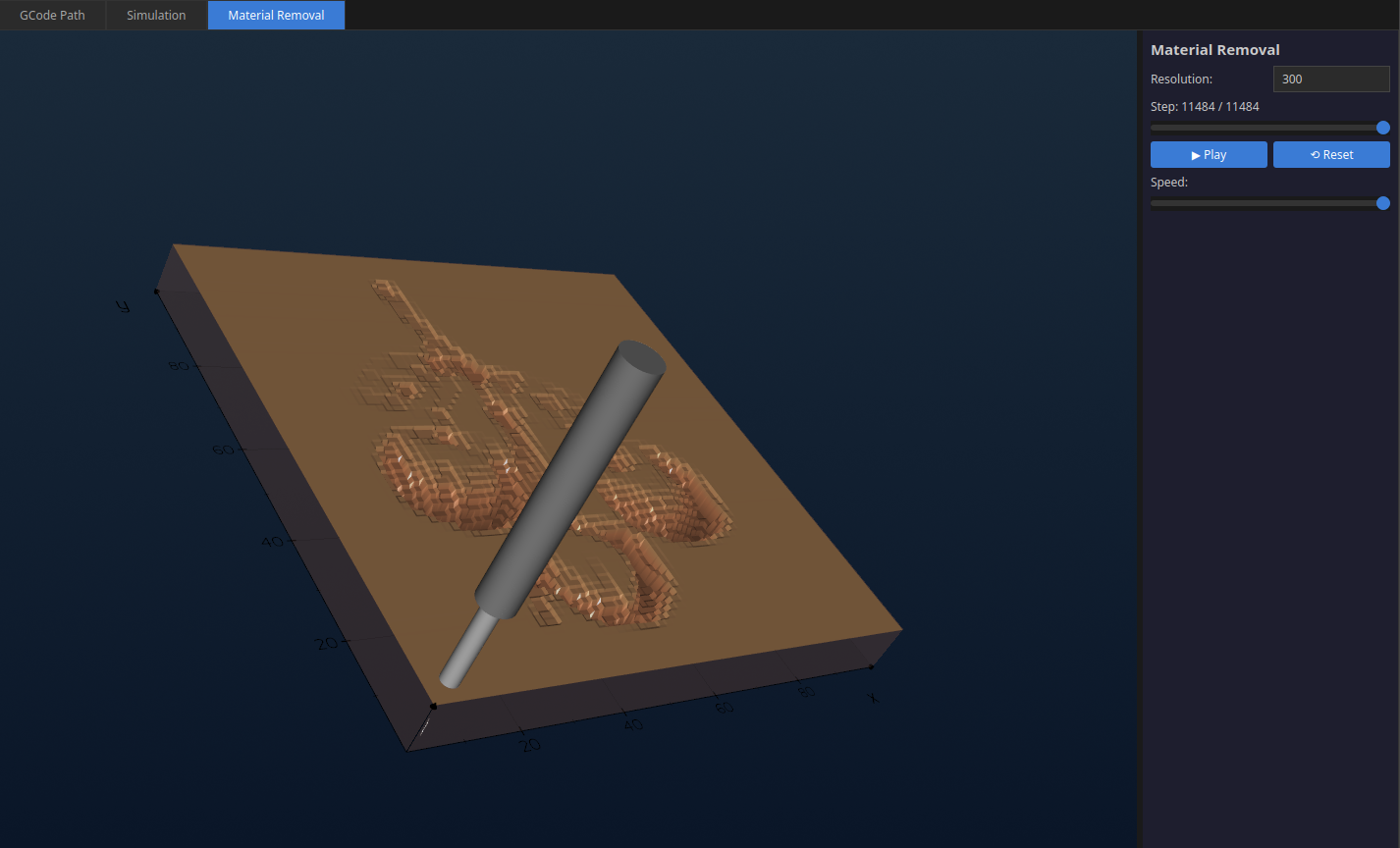
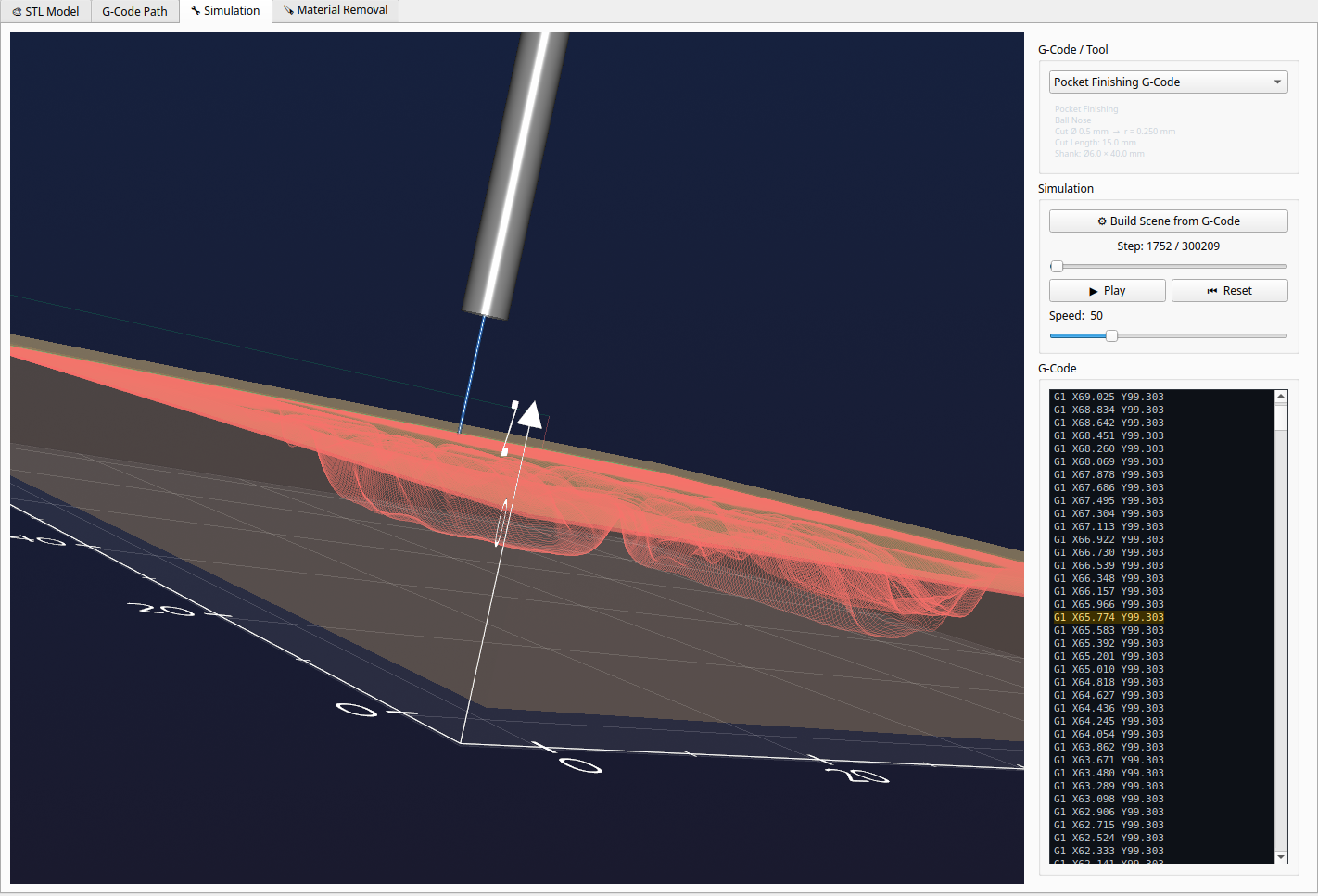
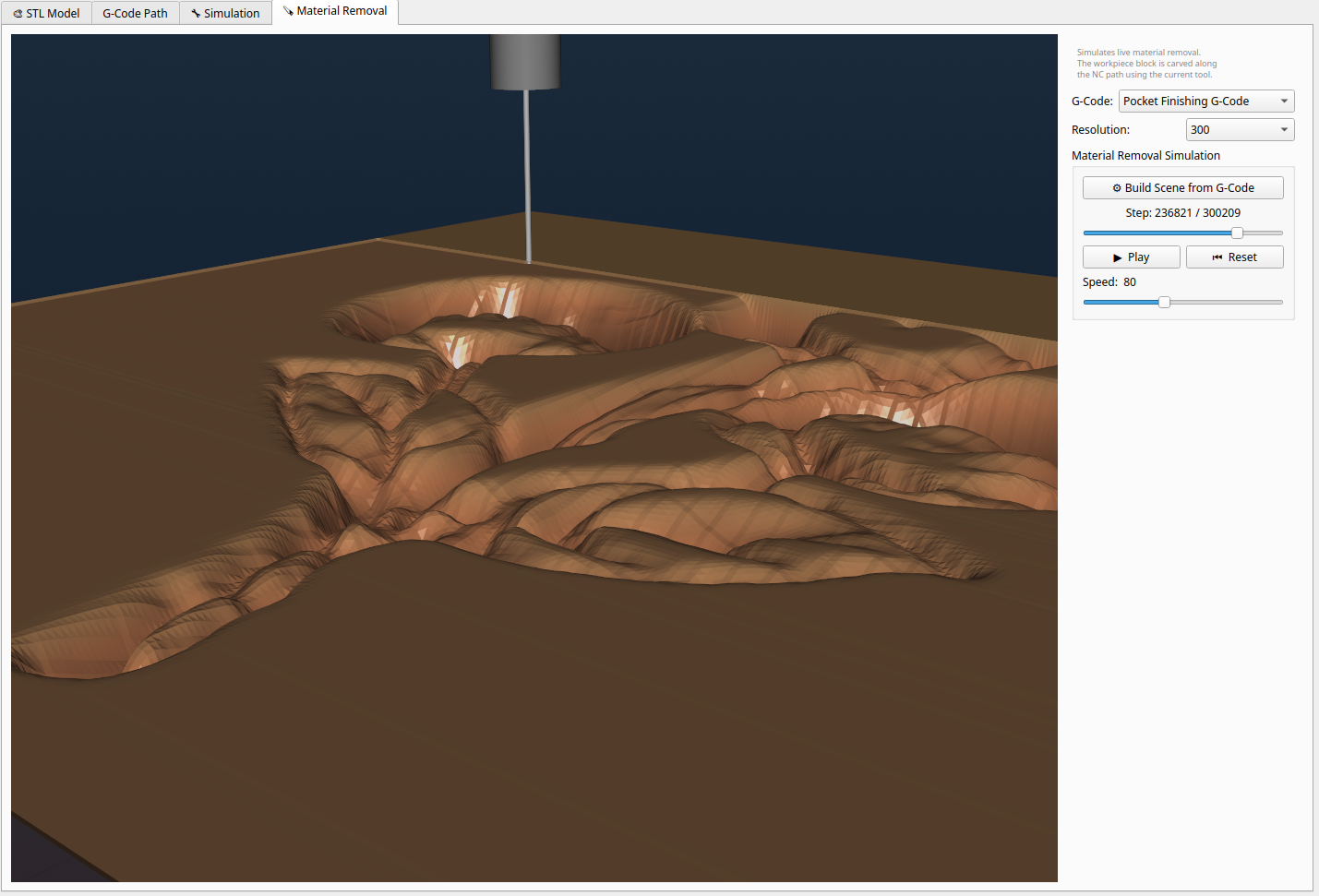
  • Visualize Your Workflow: Simulate your NC programs and navigate effortlessly through the NC file.
  • Refine Your Output: Use the built-in stripping tool to modify or remove unwanted sections of your NC code with precision.
  • Stay Connected: Connect directly to your machine and enjoy full GRBL control functionality with a live view of your operations.

Download MyCncMill V2.0.1 now

Get the latest version of MyCncMill and start your milling projects!

DOWNLOAD

Stripper Tool

remove unnecessary NC paths with the included outline path remover tool

Visualizer Settings

Adjust the visualizer settings to align the visualization with your NC path file.

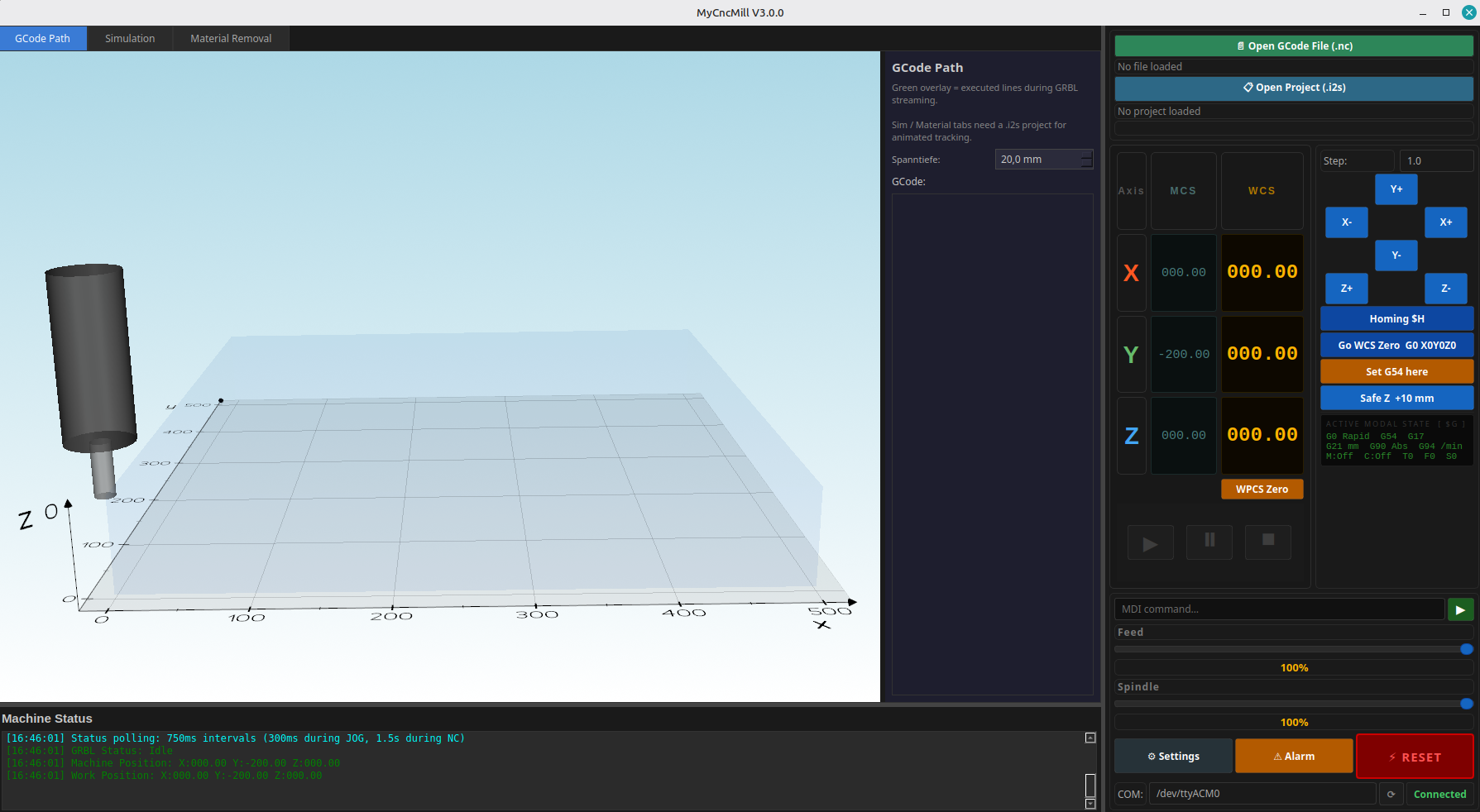
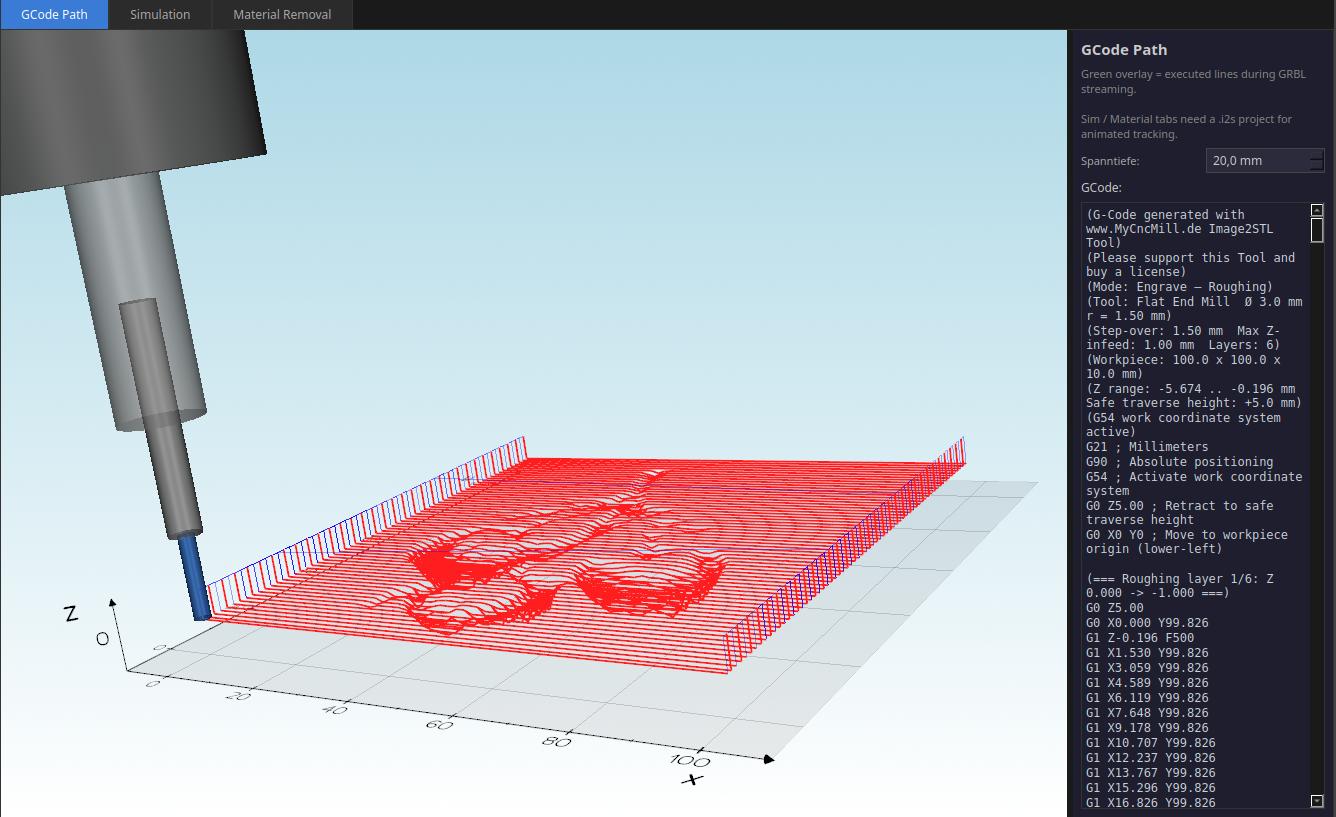
Live Path

View the live path in 3D whenever your mill moves, even during manual commands.

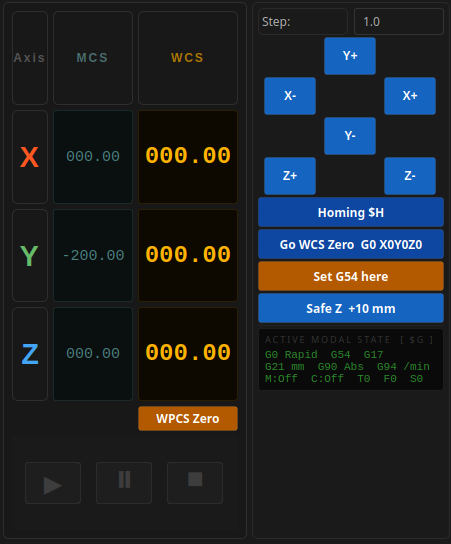
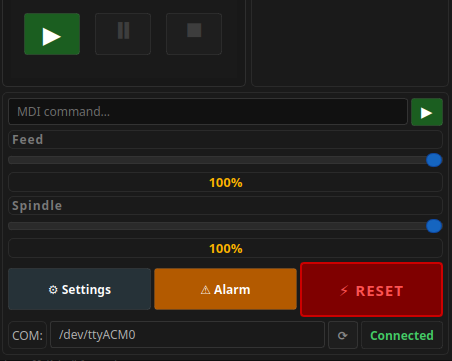
Machine Panel

The machine panel is designed for simplicity and ease of use. It provides intuitive controls for operating your machine, allowing you to manage movements, execute commands, and monitor performance effortlessly. Whether you're adjusting settings or running the job, the user-friendly interface ensures smooth and efficient operation.

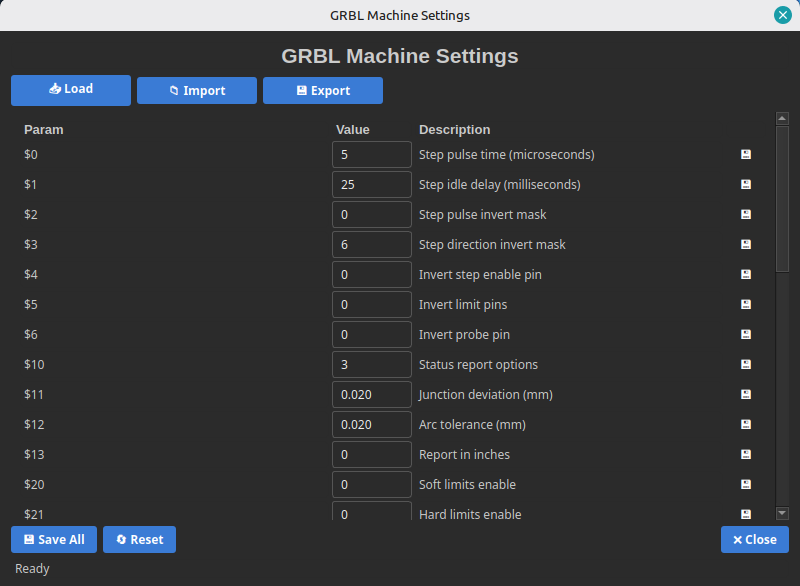
Settings Panel

The settings panel offers a straightforward way to modify your GRBL configurations. With an intuitive interface, you can easily adjust parameters such as speed, acceleration, and other machine-specific settings. This makes it simple to fine-tune your machine for optimal performance, ensuring precise and efficient operation tailored to your needs.

Error Feedback

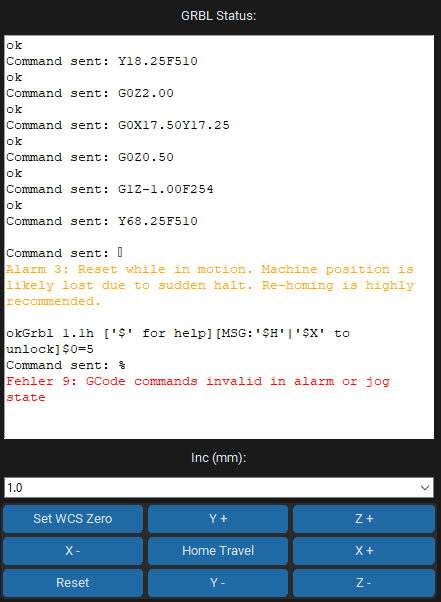
The machine feedback window displays clear and detailed error messages in plain text, making it easy to understand issues and troubleshoot quickly.

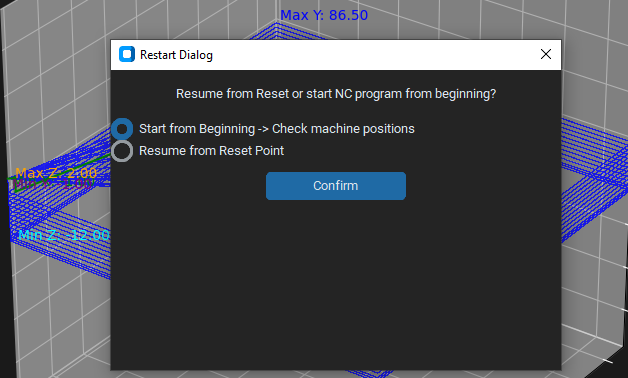
Restart Dialog

Our flexible Restart feature is here to help! You can seamlessly pick up right where you left off or start fresh with ease. Get back on track in no time!

Display lines

Check your NC code line by line. Pick them up in the code and mark them with the Visualize NC Track button.

mark lines and highlight them

mark lines and highlight them in the visualization window.

Support MyCncMill

MyCncMill is total free of use without functional restrictions, but please support us providing and developing this software.

Without license the STL converter runs for 10 minutes and sometime you will get a notification to support us with buying a license

Otherwise we will not be able to develop, ship and run this software and website

It is forbidden to use this software for commercial purpose without license

Get the Image 2 STL and GCODE Tool now!

Download Image 2 STL and gcode converter tool V1.0 now

Get the latest version of Image to STL and Gcode Tool !

DOWNLOAD Windows DOWNLOAD Linux

License Image2STL 9.99 € / Year

Without a license the tool runs with functional restrictions. Purchase a 1-year license to unlock the full version.


Image 2 STL Tool

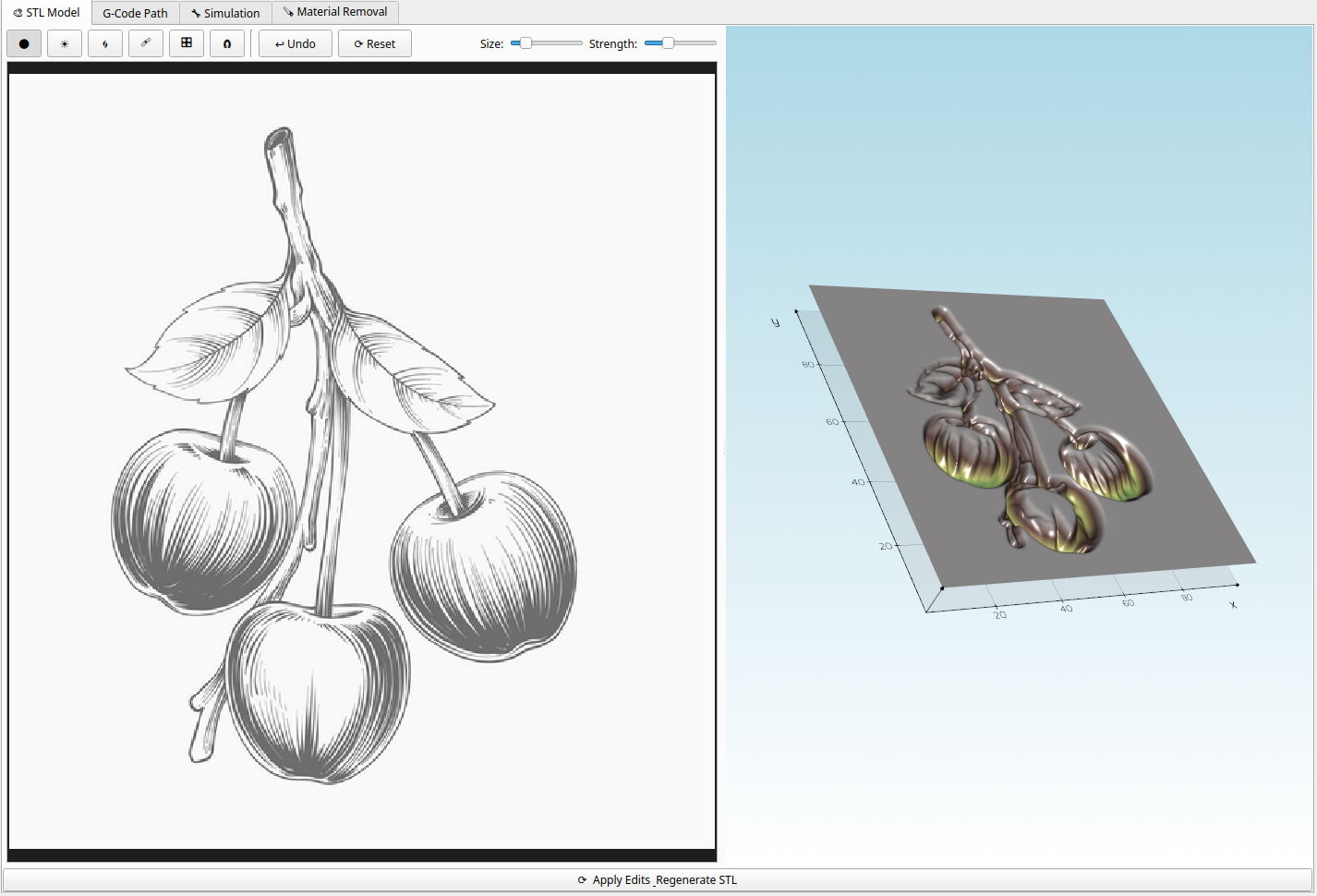
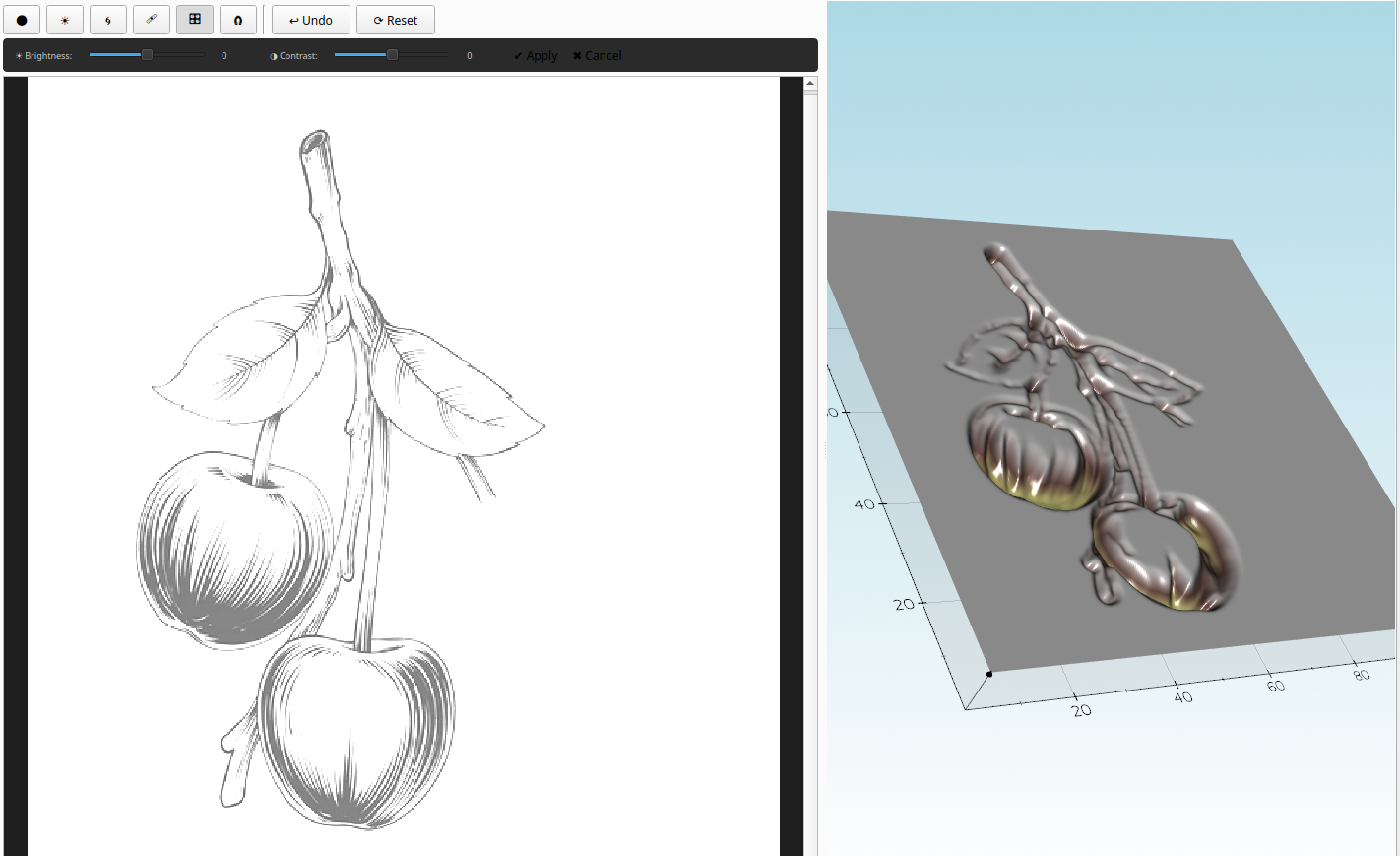
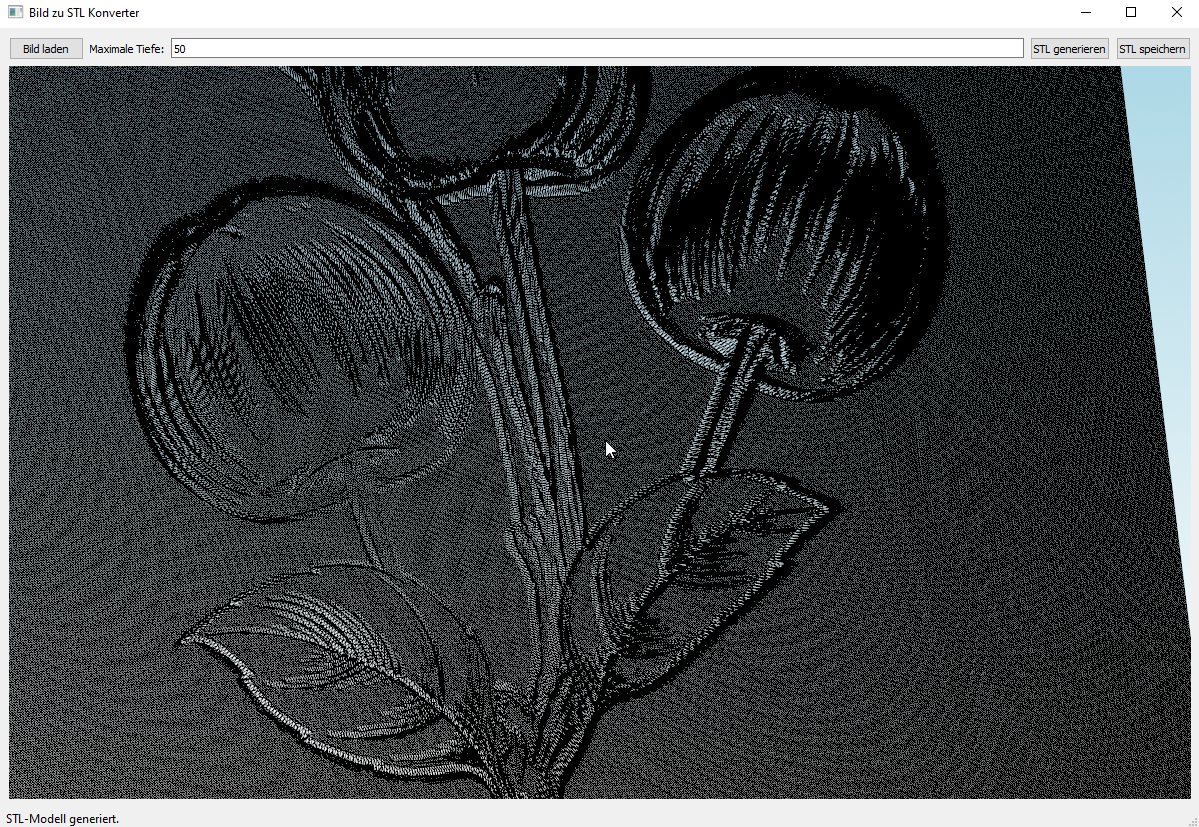
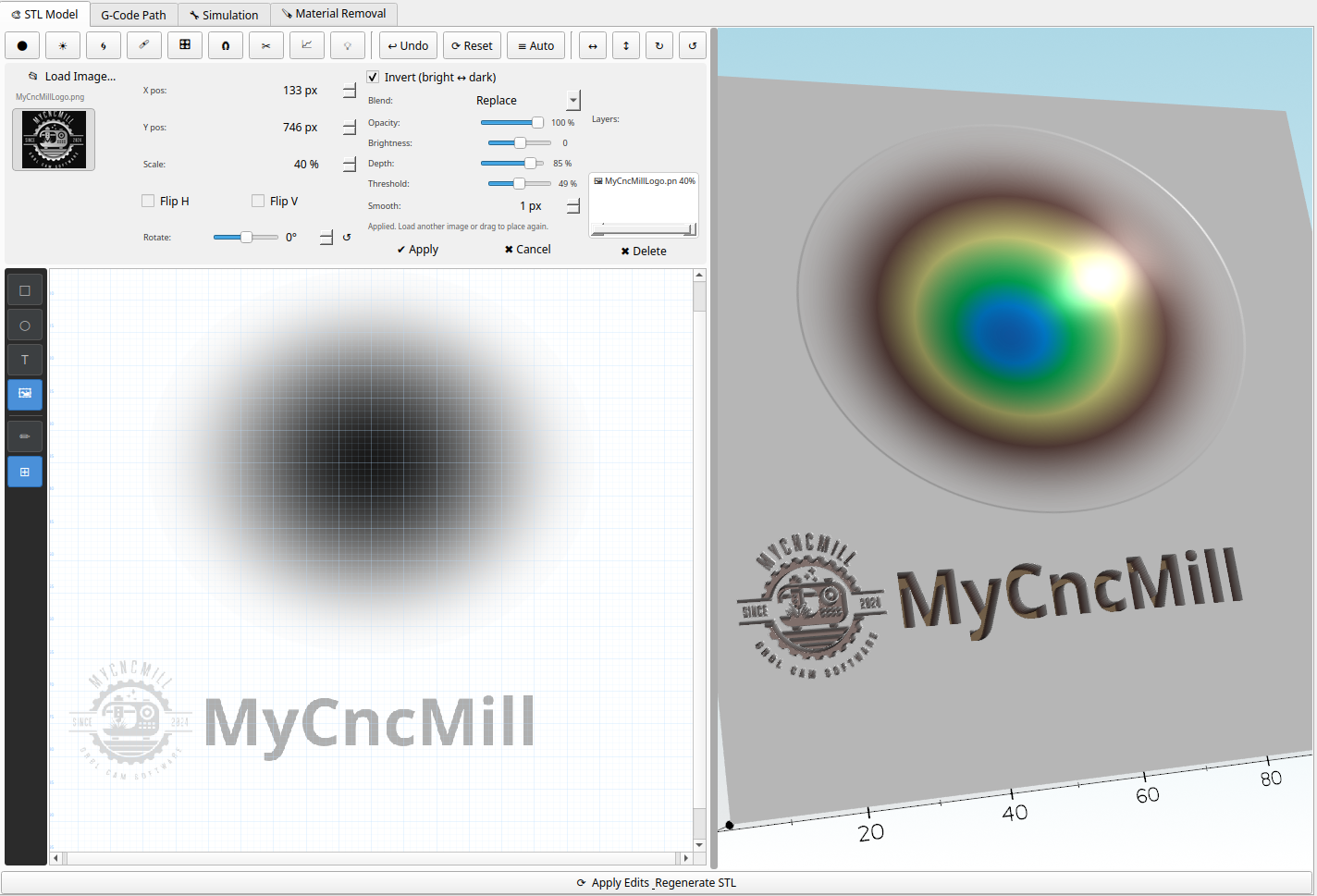
Effortless Turn your Images Into STL Objects an Milling Code

  • Transform Your Designs: Seamlessly create STL models and objects from your pictures.
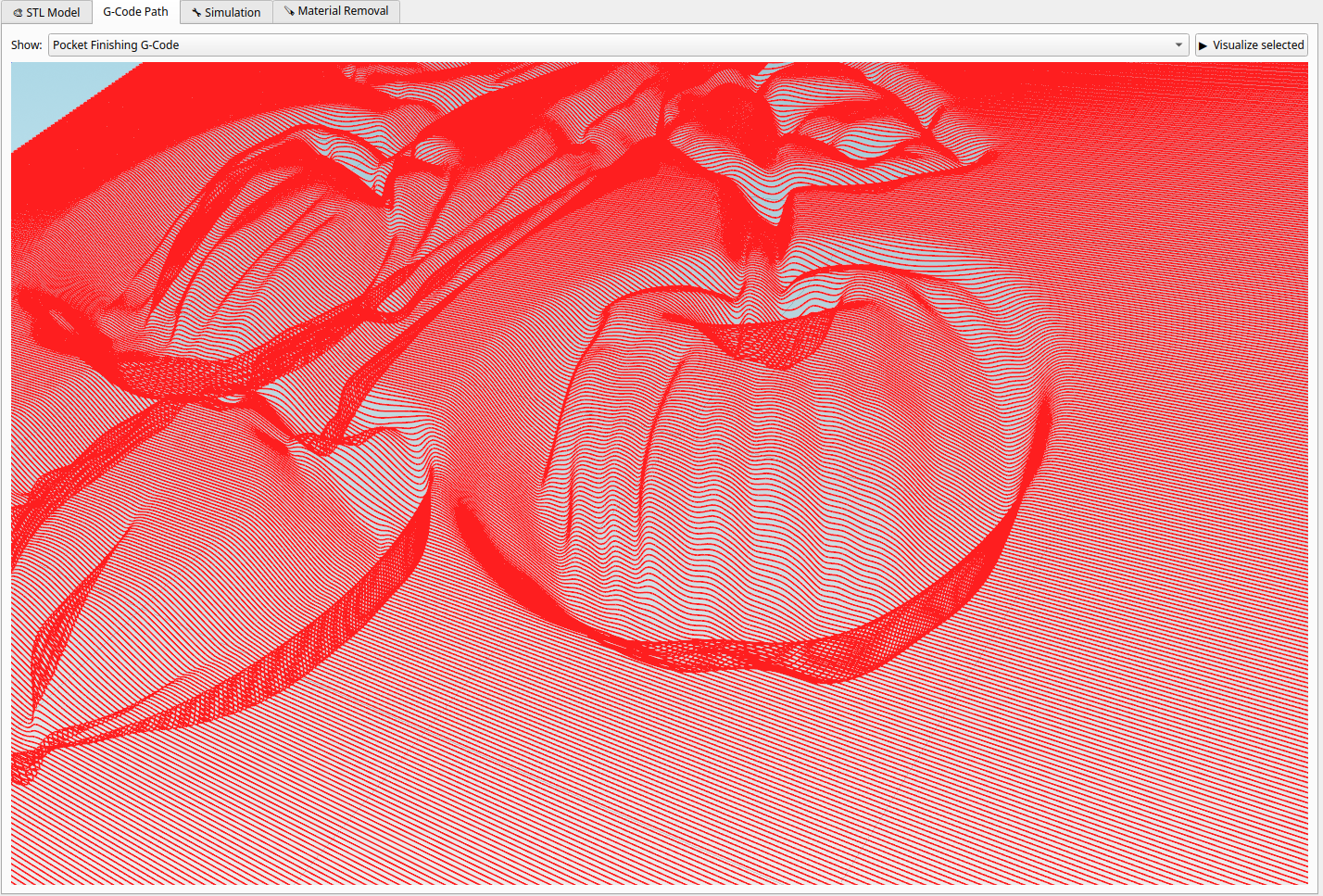
  • Visualize Your Workflow: Create Gcode for use in MyCncMill.
  • Refine Your Output: Run it on your machine with MyCncMill.